dbt lets each model choose how it is built in the warehouse. The three most common choices are a view, a table and an ephemeral model. Incremental models are a fourth option for large tables, but this piece sticks to the first three, since most projects use them for the bulk of their models.
Views
A view stores only the query. Every time someone selects from it, the warehouse runs that query against the current data underneath.
Views are a good default for light transformations close to the source, such as renaming columns, casting types and filtering out test records. They cost nothing to build, they never go stale, and they take no storage.
The trade off is query time. A view that sits on top of other views can turn into a long chain of work that runs every time a dashboard refreshes. When a view becomes slow or is queried often, it is usually time to make it a table.
Tables
A table runs the query once during a dbt run and stores the result. Reads are fast because the work is already done.
Tables suit models that are queried often, models with heavy joins or window functions, and final models that BI tools read directly. The cost is build time and storage, and the data is only as fresh as the last run. If the source changes every few minutes and the job runs once a day, a table will lag behind.
Ephemeral models
An ephemeral model is never built in the warehouse at all. dbt takes its SQL and inlines it as a common table expression in every model that references it.
That makes ephemeral models handy for small pieces of logic that several models share but nobody needs to query on their own. They keep the warehouse tidy because no extra object appears.
They also have limits. An ephemeral model cannot be queried directly, which makes debugging harder, and if many models reference it, the same logic runs many times. Most teams keep ephemeral models short and few.
A simple way to decide
A common starting point is views for staging models, ephemeral for small shared helpers, and tables for the marts that people and tools read. From there, adjust based on evidence. If a view shows up in slow query logs, make it a table. If a table is cheap and rarely read, a view may be enough.
It also helps to set the default materialization per folder in the project configuration, so a new model inherits a sensible choice and only exceptions need a setting in the model file.
Where dbt shows up in hiring
Many analytics engineer roles list dbt by name. A search for dbt on Analytics Engineer Jobs returns listings from teams in the United Kingdom, the United States, Canada, Singapore and other locations, each tagged as remote, hybrid or on-site.
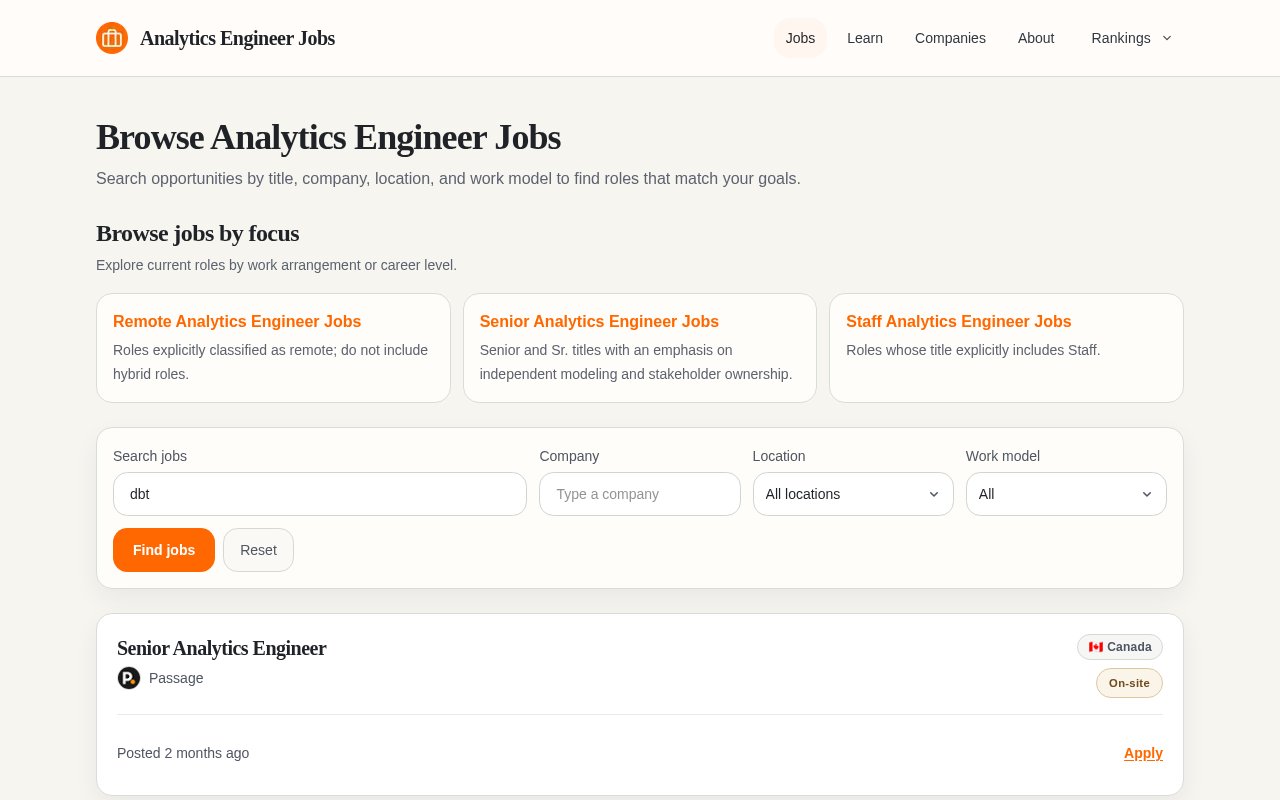
Analytics Engineer Jobs search results for dbt.
Comparing a few of those descriptions shows how each team describes the dbt work it expects.